 Dexion
Getting Started
Getting Started - Sign Up
Create your Dexion account to start tracking tokens, setting alerts, and managing your trading activity.
Getting Started
Sign Up
To access Dexion features like Price Alerts, Wallet Management, and Pulse, you need a Dexion account. You can sign up using any of the following options:
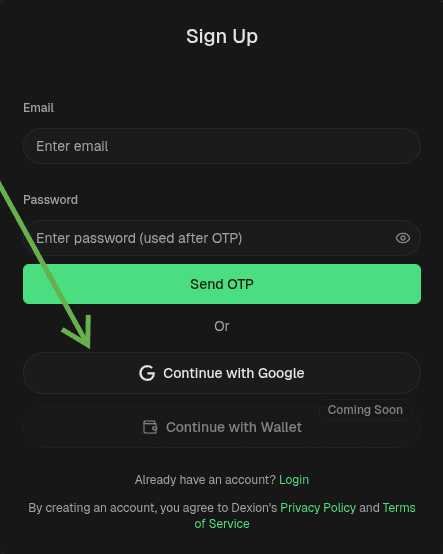
1. Google Sign-In
Sign up instantly using your Google account.
- Click Continue with Google on the sign-in page.
- Grant permission to access your email and basic profile.
- You’ll be redirected to your Dexion dashboard automatically.
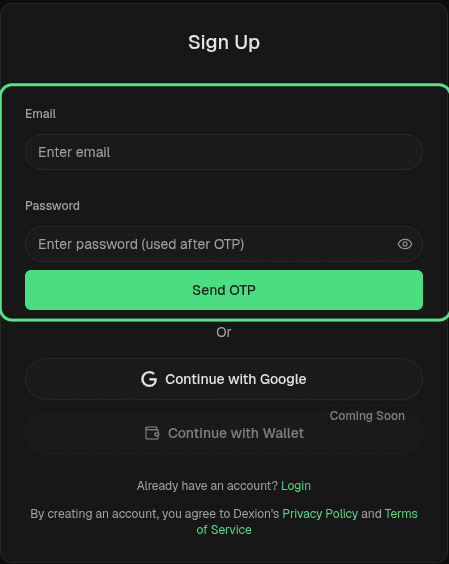
2. Email Sign-Up
Use your email address to create an account.
- Click Sign up with Email.
- Enter your name, email, and password.
- Verify your email through the link sent to your inbox.
- Once verified, you can log in securely.
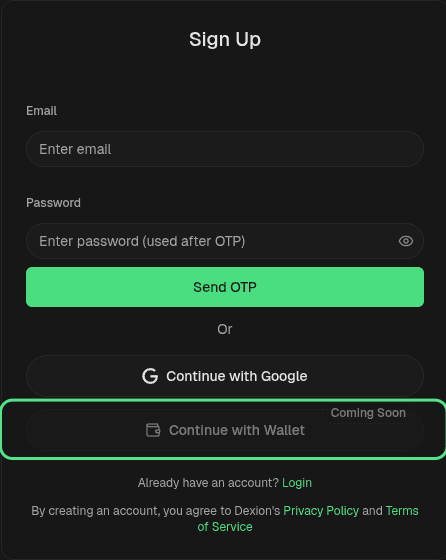
3. Wallet Sign-In (Stacks)
If you already have a Stacks wallet, you can sign in directly without a password.
- Click Connect Wallet.
- Approve the connection in your wallet extension.
- Your Dexion account will automatically link to that wallet address.
Next Step
Once your account is ready, continue to Setting Up Price Alerts to start monitoring token movements.